
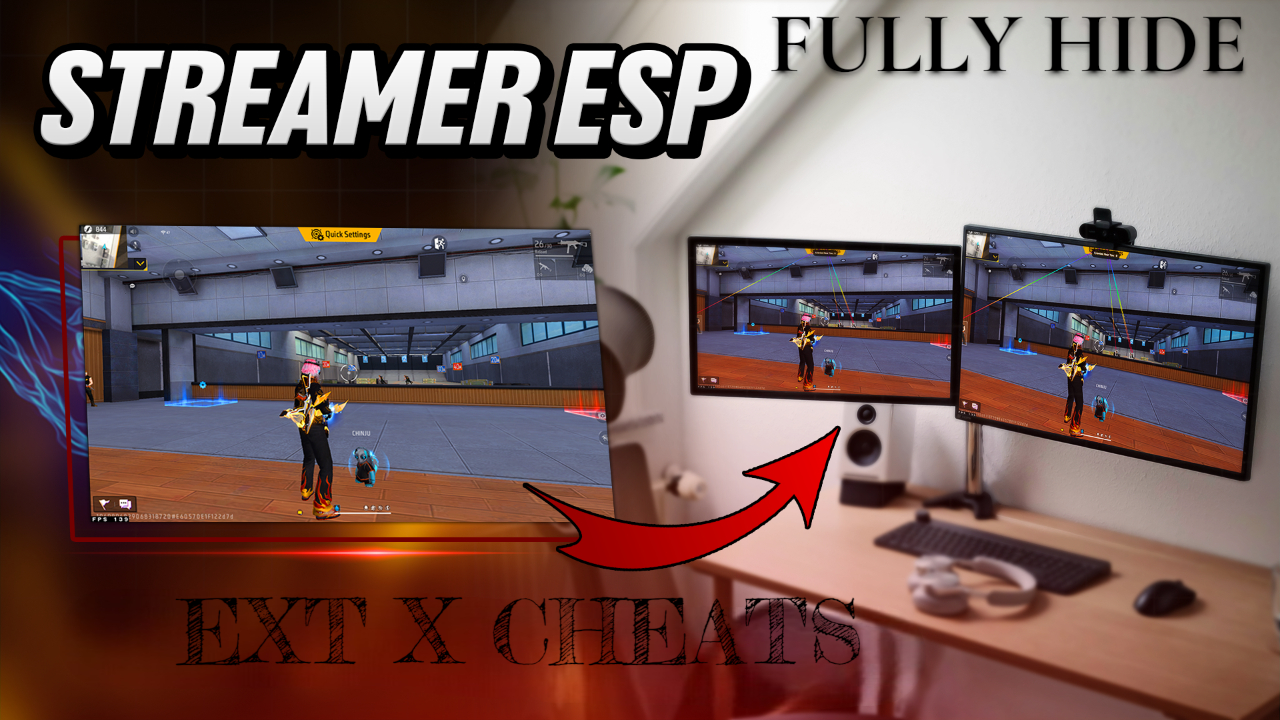
Fully Hidden Location
Choose your plan
In stock
Advanced ESP Solution for Streamers A premium ESP package designed for streamers who require enhanced visibility features while maintaining a clean and optimized experience across supported emulators.
Sign in to purchaseDescription
* Fully Hidden ESP
* Fixed Visual Glitches
* Works Across Supported Servers
* Optimized & Stable Performance
ESP Functions
* Draw FOV
* ESP Line
* ESP Box (Fill / Half / Full / None)
* ESP Information Display
* ESP Skeleton
* ESP Name Tags
* Adjustable RGB Effects
* Customizable ESP Colors
* Health Bar
* Health Bar V2
* Weapon Display
* Mini Map Support
Additional Features
* Streamer Mode
* Pin to Top
Supported Emulators
* 32-Bit Emulators
* 64-Bit Emulators
For panel owners, please contact support directly.
If you are not a panel owner, create a support ticket through the customer support section.
For purchase assistance, activation support, and general inquiries, contact us on WhatsApp.
Related products
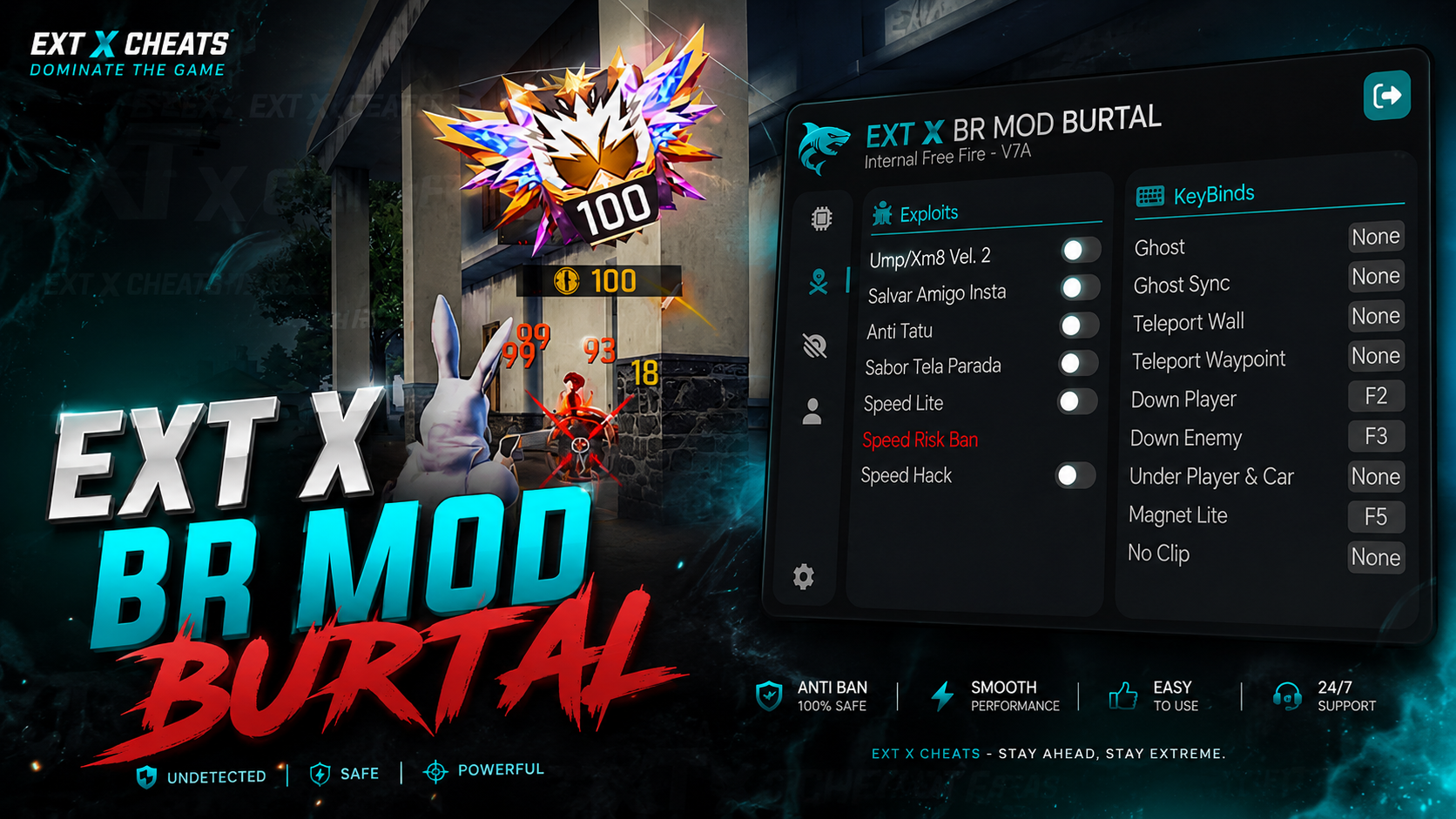
EXT X BR MODZ PC
🔥 EXT X BR MOD BURTAL | OFFICIAL VERSION EXT X BR MOD BURTAL is the official BR MOD panel from EXT X CHEATS, built for smooth performance, powerful features, and an easy-to-use experience. EXT X BR MODS — BRUTAL PANEL OFFICIAL VERSION IS LIVE! Built for powerful performance & smooth BR & CS Burtal gameplay on MAIN ID.
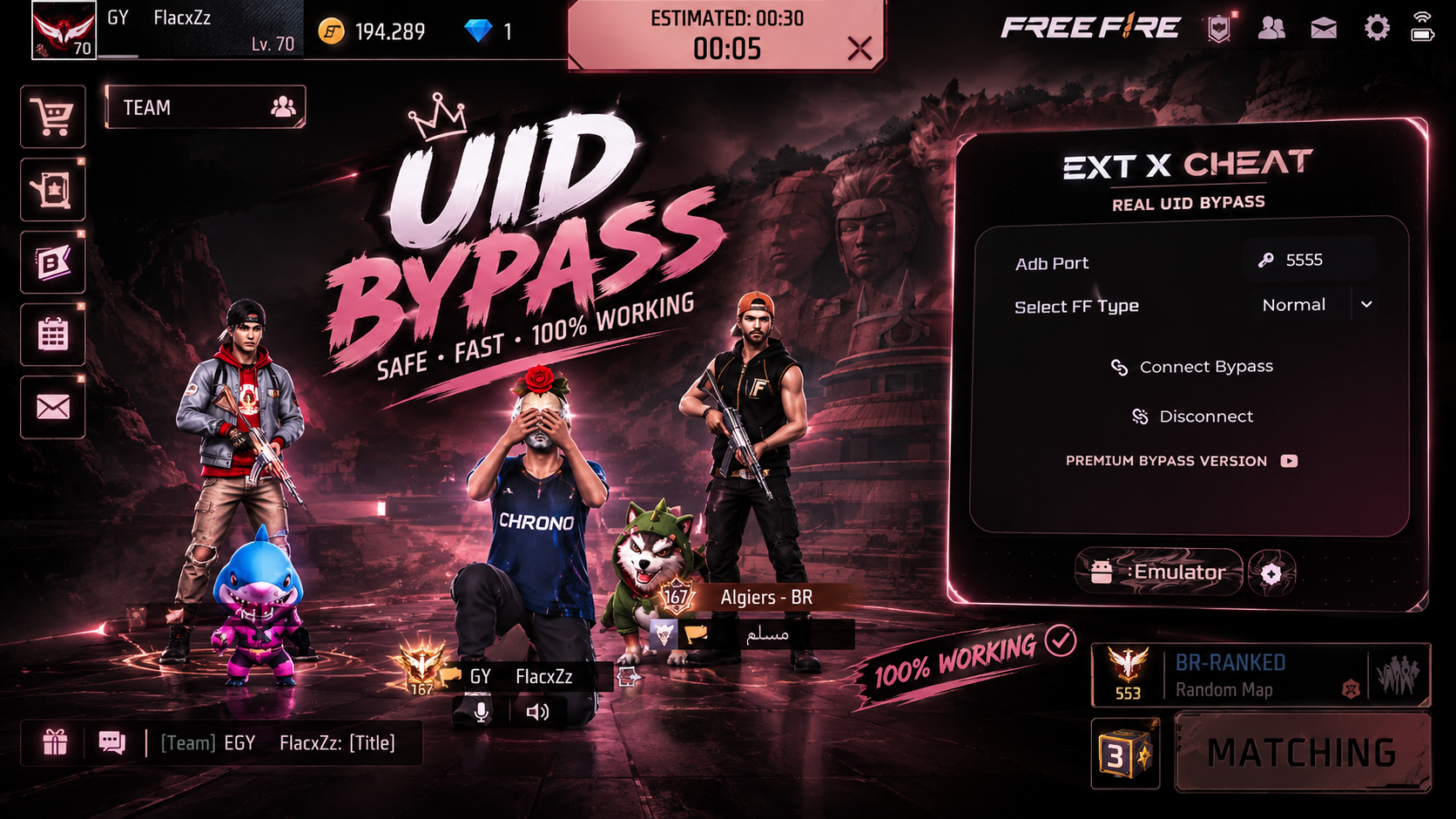
Real Bypass UID
We are proud to announce the launch of our UID Emulator Bypass, designed with advanced technology to ensure your PC gameplay appears as a mobile player
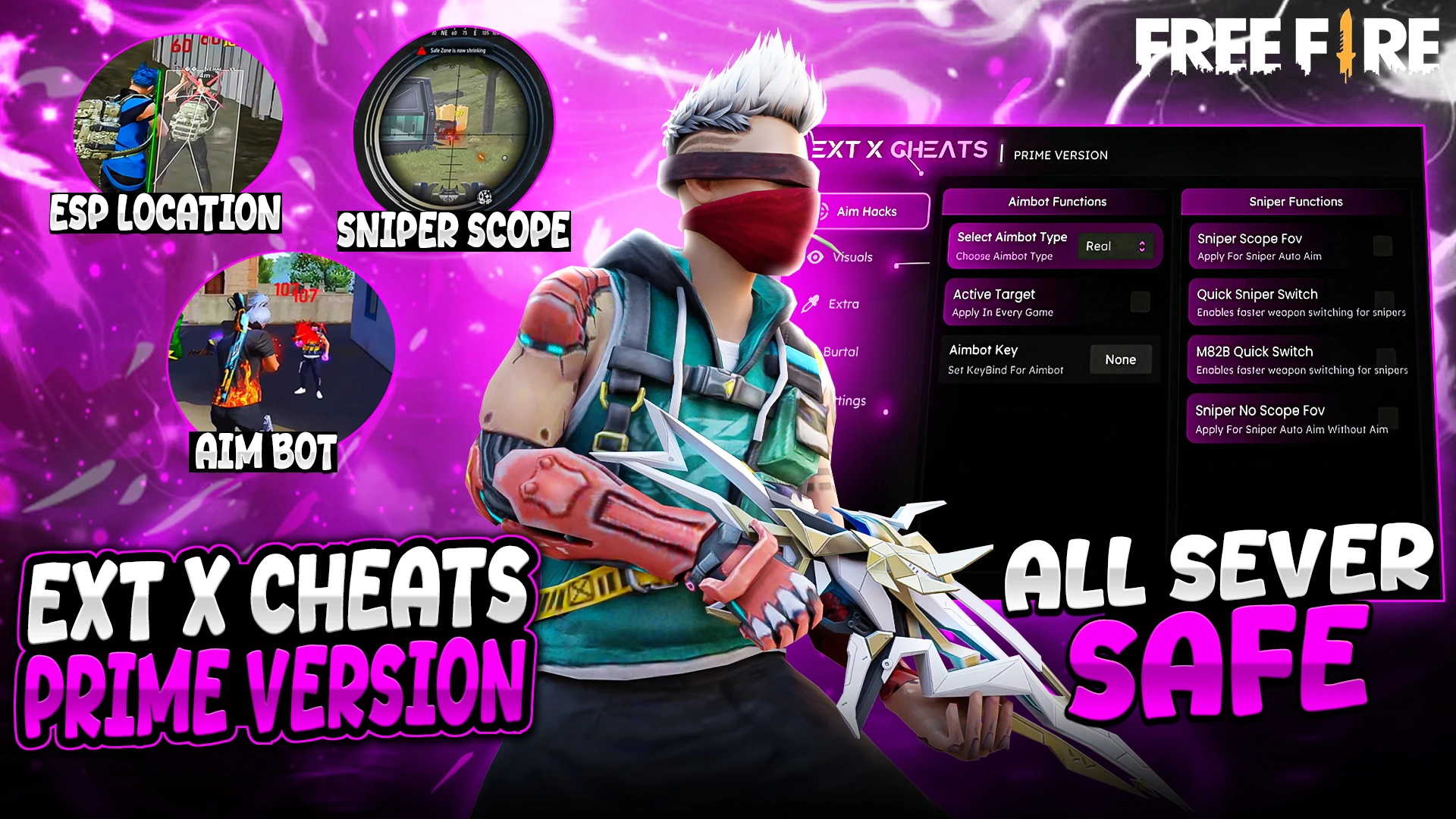
EXT PREMIUM MAX
* Fully Female Fixed ! * Real Aimbot Available * No Fake Damage * All Windows Defenders support this panel