
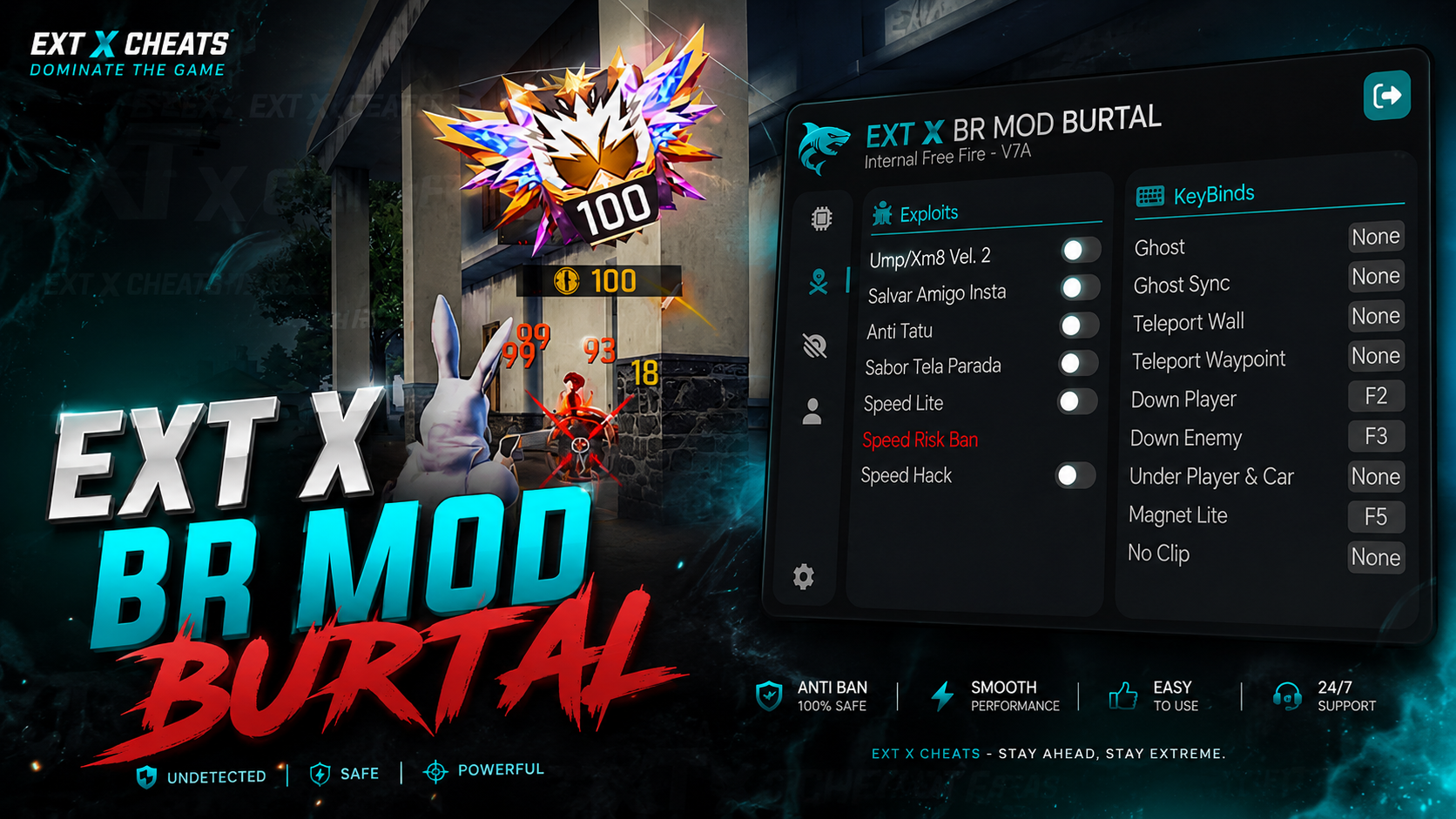
EXT X BR MODZ PC
Choose your plan
In stock
🔥 EXT X BR MOD BURTAL | OFFICIAL VERSION EXT X BR MOD BURTAL is the official BR MOD panel from EXT X CHEATS, built for smooth performance, powerful features, and an easy-to-use experience. EXT X BR MODS — BRUTAL PANEL OFFICIAL VERSION IS LIVE! Built for powerful performance & smooth BR & CS Burtal gameplay on MAIN ID.
Sign in to purchaseDescription
ESTROY THE PC LOBBY WITH OUR BRUTAL PANEL!
⚡ KEY FEATURES
• Smooth & Powerful Performance
• Easy-to-Use MOD Panel
• Main ID Support
• Multiple Emulator Support
• Free Fire BR Support
• Regular Updates
• Dedicated Support
💎 WHY CHOOSE FROM EXT ?
• Official BR MOD version , No crack or moded
• Regular feature updates
• Fast support
• Designed for smooth Burtal gameplay
⚠️ IMPORTANT NOTICE
Always use the official EXT X BR MOD version.
Avoid unofficial or modified/cracked versions, as they may not receive updates or support.
📩 SUPPORT & PURCHASE
For more details, contact EXT X CHEATS support or open a support ticket through our Discord server.
EXT X CHEATS
BR MOD
Tutorial videos
Tutorial Video
Related products
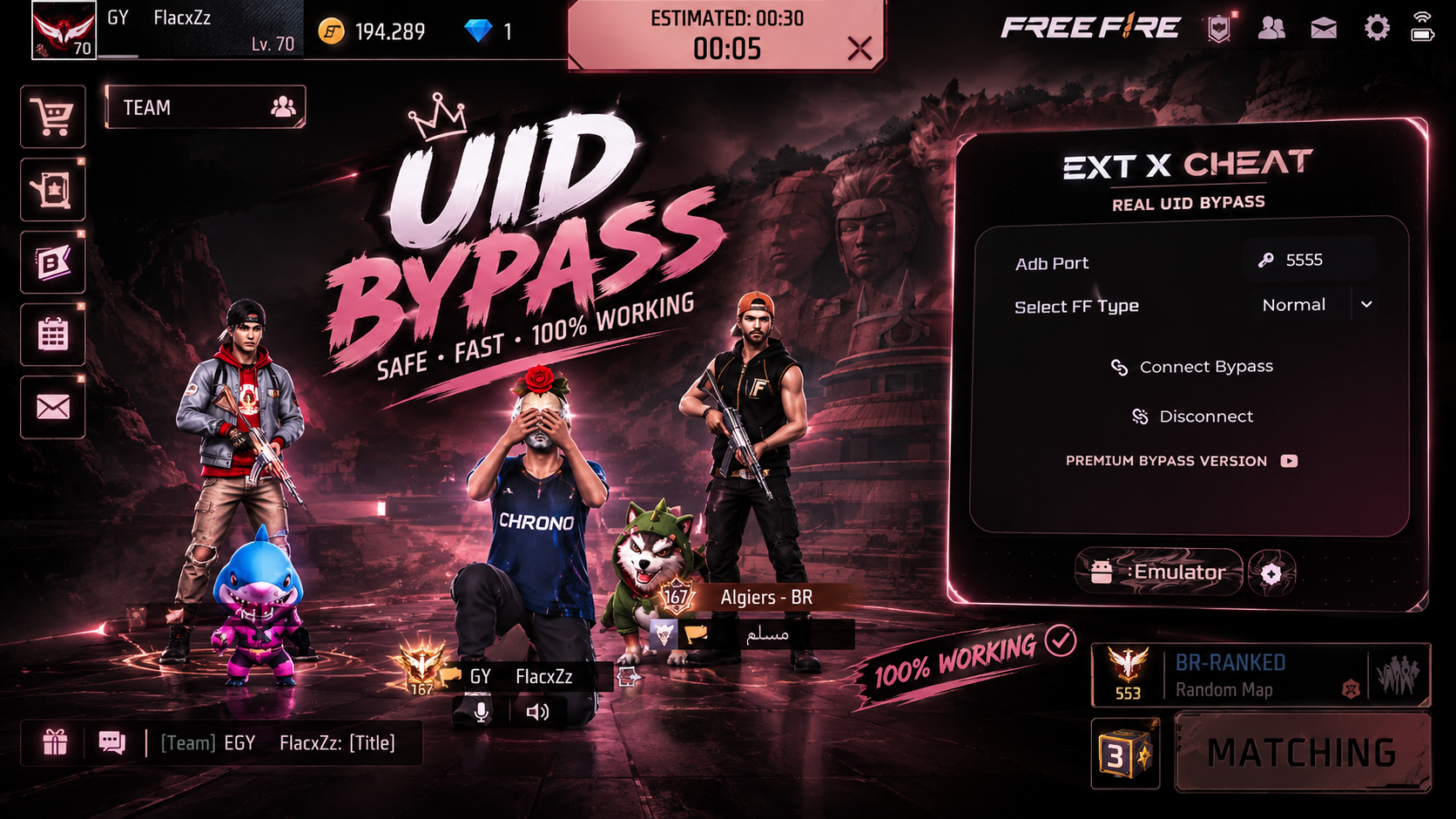
Real Bypass UID
We are proud to announce the launch of our UID Emulator Bypass, designed with advanced technology to ensure your PC gameplay appears as a mobile player
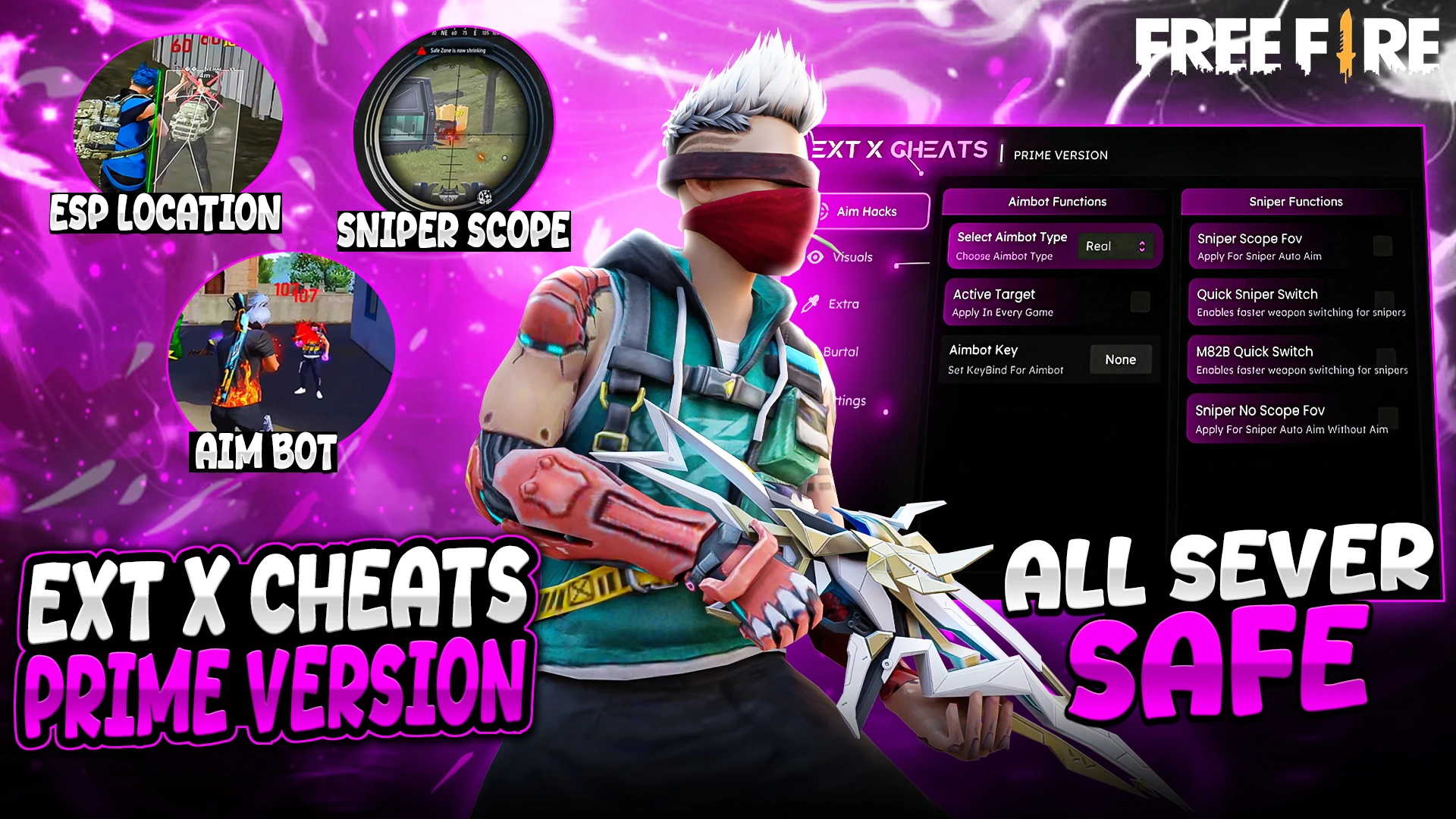
EXT PREMIUM MAX
* Fully Female Fixed ! * Real Aimbot Available * No Fake Damage * All Windows Defenders support this panel
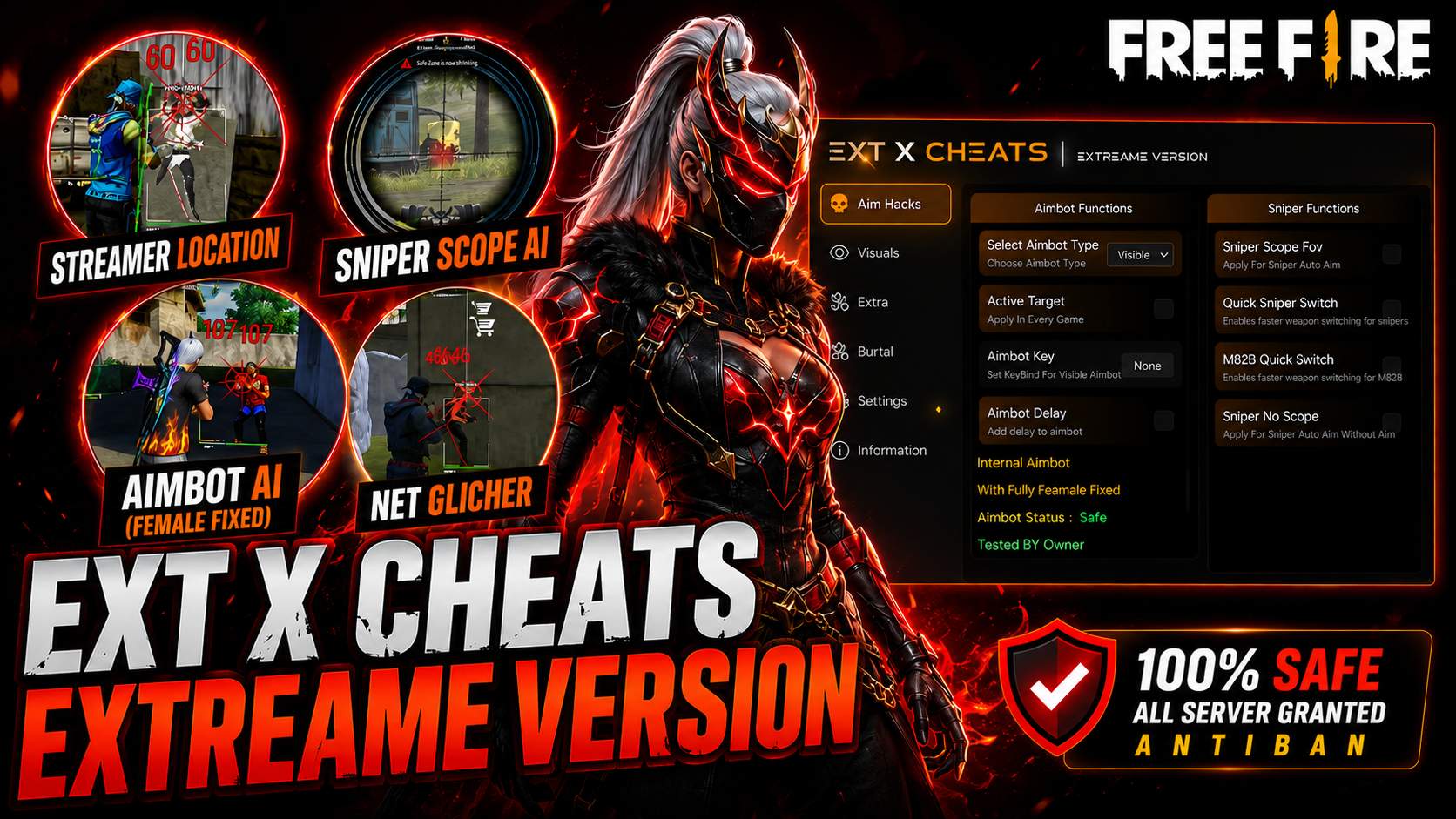
EXT EXTREAME MAX
EXT EXTREME MAX ✔ Fully Female Fixed ✔ Real Aimbot Available ✔ 0.001 Sec Memory ✔ Never FPS Drop ✔ No Fake Damage ✔ Supports All Windows Defender Versions Compatible with Windows 10 & Windows 11 (Latest Versions) Supports 32-Bit & 64-Bit Emulators