
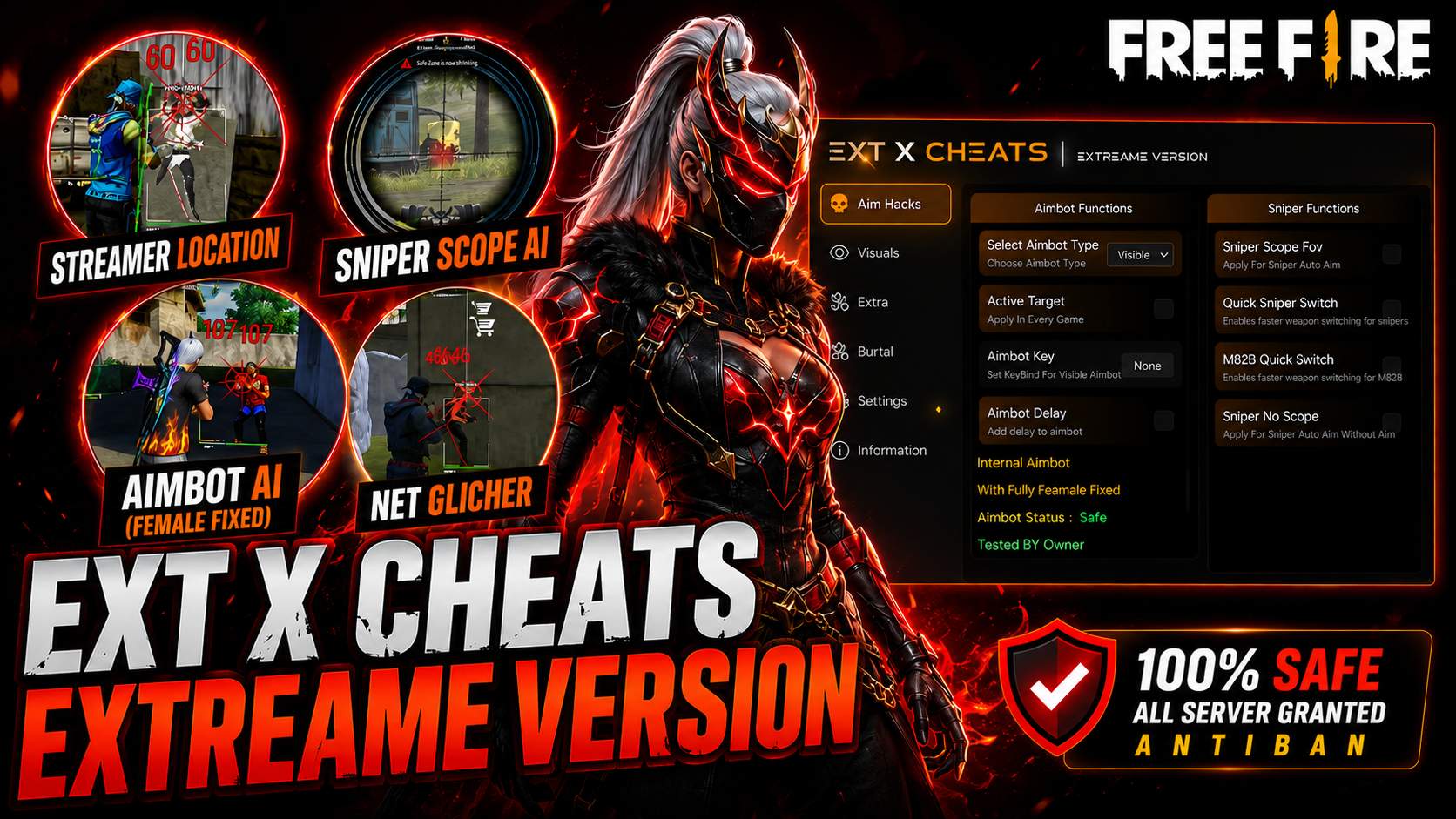
EXT EXTREAME MAX
Choose your plan
In stock
EXT EXTREME MAX ✔ Fully Female Fixed ✔ Real Aimbot Available ✔ 0.001 Sec Memory ✔ Never FPS Drop ✔ No Fake Damage ✔ Supports All Windows Defender Versions Compatible with Windows 10 & Windows 11 (Latest Versions) Supports 32-Bit & 64-Bit Emulators
Sign in to purchaseDescription
<p>
Premium gaming panel with optimized performance, advanced aiming options,
ESP features, customizable interface, and wide emulator compatibility.
</p>
<h3>Main Features</h3>
<ul>
<li>Fully Female Fixed</li>
<li>Real Aimbot Available</li>
<li>0.001 Sec Memory</li>
<li>Never FPS Drop</li>
<li>No Fake Damage</li>
<li>Supports All Windows Defender Versions</li>
</ul>
<h3>Gameplay Features</h3>
<ul>
<li>Aimbot Visible</li>
<li>Real Aimbot</li>
<li>Aimbot AI Pro</li>
<li>Aimbot Female Fixed</li>
<li>Aimbot Drag</li>
<li>Aimbot Body</li>
<li>Aimbot Hex</li>
<li>Aim FOV</li>
<li>Sniper Scope FOV</li>
<li>Sniper Quick Switch</li>
<li>M82B Quick Switch</li>
<li>Glitch Fire</li>
<li>All Sniper Locations</li>
<li>Sniper Ammo Location</li>
<li>Wall Hack</li>
<li>ESP Line</li>
<li>ESP Menu</li>
<li>Fast Reload</li>
<li>No Recoil</li>
<li>Fly Run</li>
<li>Speed Hack</li>
<li>Kill Behind</li>
<li>Camera Left</li>
<li>First Landing</li>
<li>Female Max</li>
<li>Fake Lag</li>
<li>Wukong ESP</li>
</ul>
<h3>Modern Streamer ESP</h3>
<ul>
<li>ESP Line</li>
<li>ESP Box (Fill / Half / Full / None)</li>
<li>ESP Skeleton</li>
<li>ESP Name</li>
<li>ESP Health Bar</li>
<li>ESP Health V2</li>
<li>ESP Weapon</li>
<li>ESP Mini Map</li>
<li>ESP Info</li>
<li>Rainbow ESP</li>
<li>RGB Adjustable ESP</li>
<li>Adjustable Colors</li>
<li>Draw FOV</li>
<li>More Advanced ESP Features</li>
</ul>
<h3>Extra Features</h3>
<ul>
<li>Stream Mode</li>
<li>Hide Taskbar</li>
<li>Pin To Top</li>
<li>Kill Emulator</li>
<li>Application Exit</li>
<li>Adjustable Panel Color</li>
</ul>
<h3>Mobile Control</h3>
<p>
Control panel features directly from your mobile device with on/off functionality.
</p>
<h3>Supported Emulators</h3>
<ul>
<li>32-Bit Emulators</li>
<li>64-Bit Emulators</li>
</ul>
<h3>Supported Windows</h3>
<ul>
<li>Windows 11 (Including Latest Versions)</li>
<li>Windows 10 (All Versions)</li>
</ul>
Tutorial videos
Tutorial Video
Related products
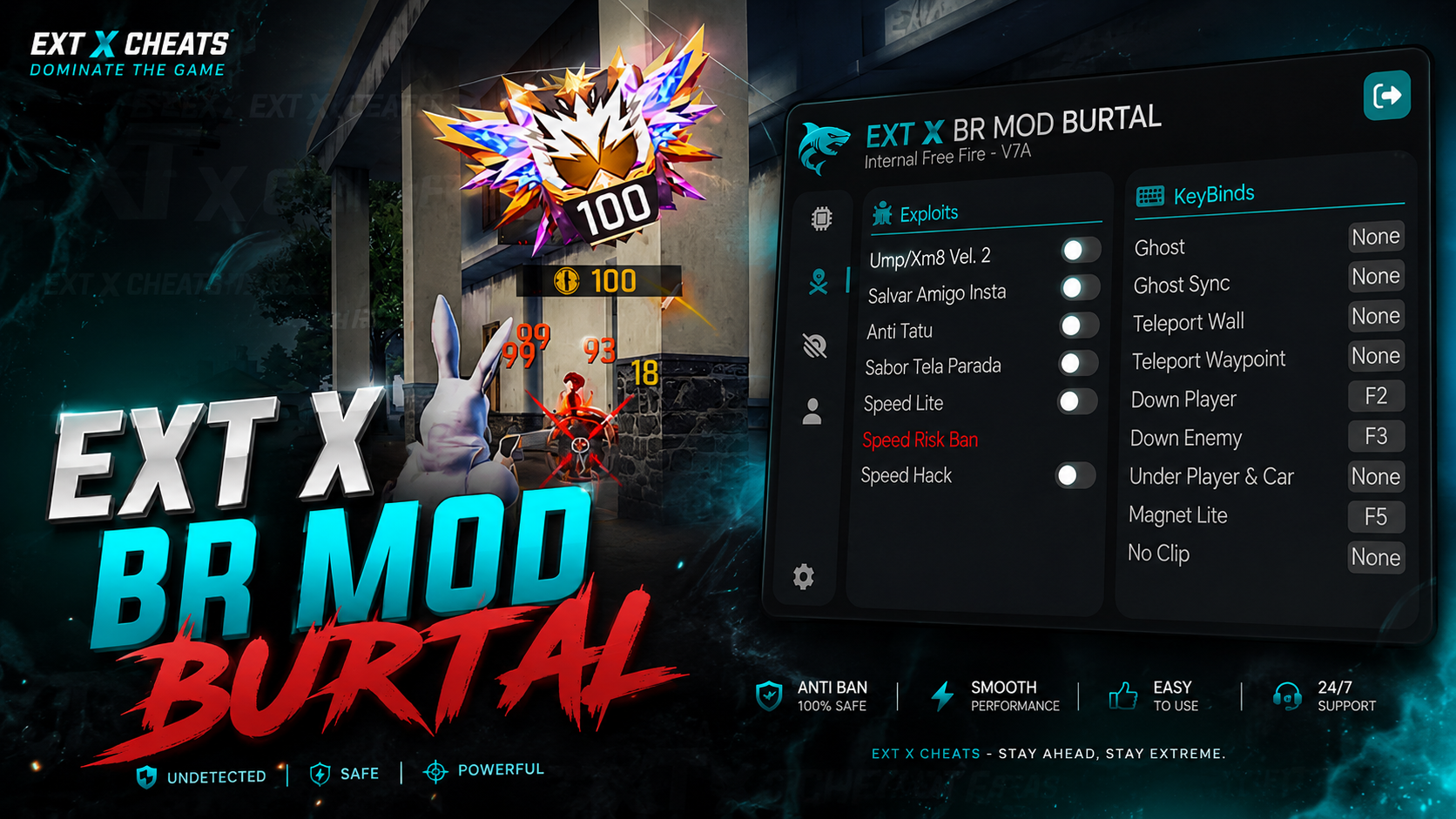
EXT X BR MODZ PC
🔥 EXT X BR MOD BURTAL | OFFICIAL VERSION EXT X BR MOD BURTAL is the official BR MOD panel from EXT X CHEATS, built for smooth performance, powerful features, and an easy-to-use experience. EXT X BR MODS — BRUTAL PANEL OFFICIAL VERSION IS LIVE! Built for powerful performance & smooth BR & CS Burtal gameplay on MAIN ID.
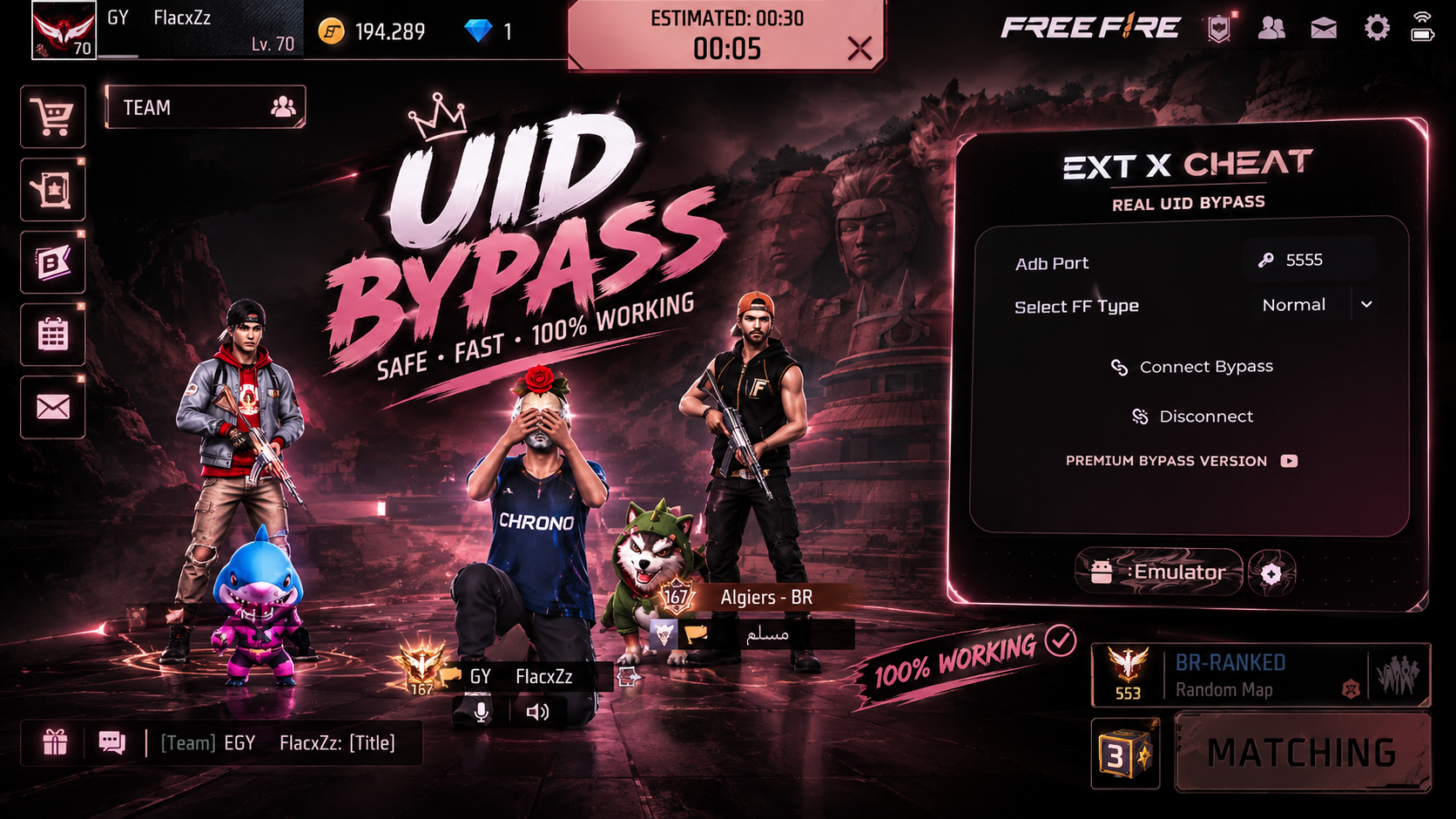
Real Bypass UID
We are proud to announce the launch of our UID Emulator Bypass, designed with advanced technology to ensure your PC gameplay appears as a mobile player
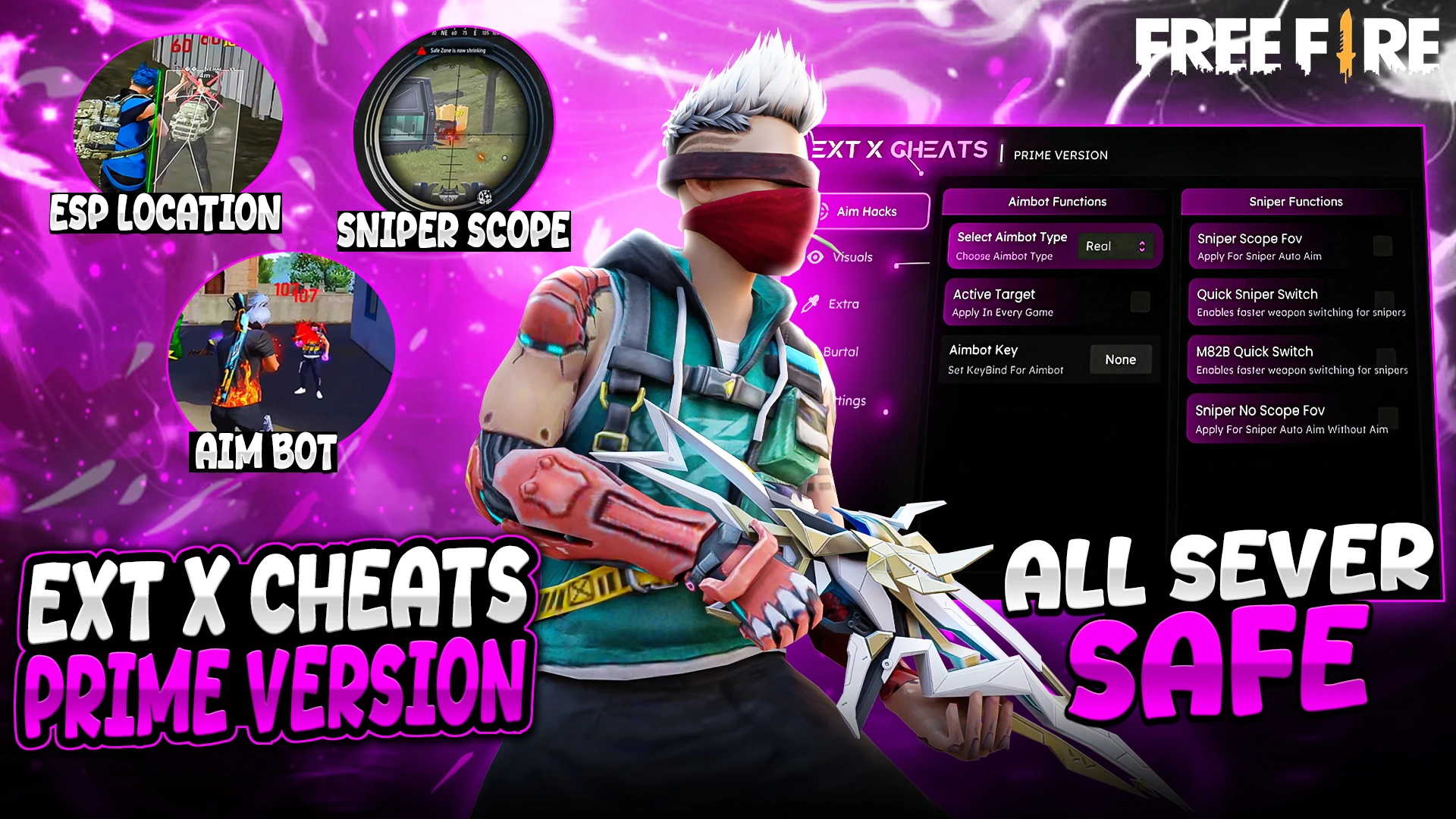
EXT PREMIUM MAX
* Fully Female Fixed ! * Real Aimbot Available * No Fake Damage * All Windows Defenders support this panel