
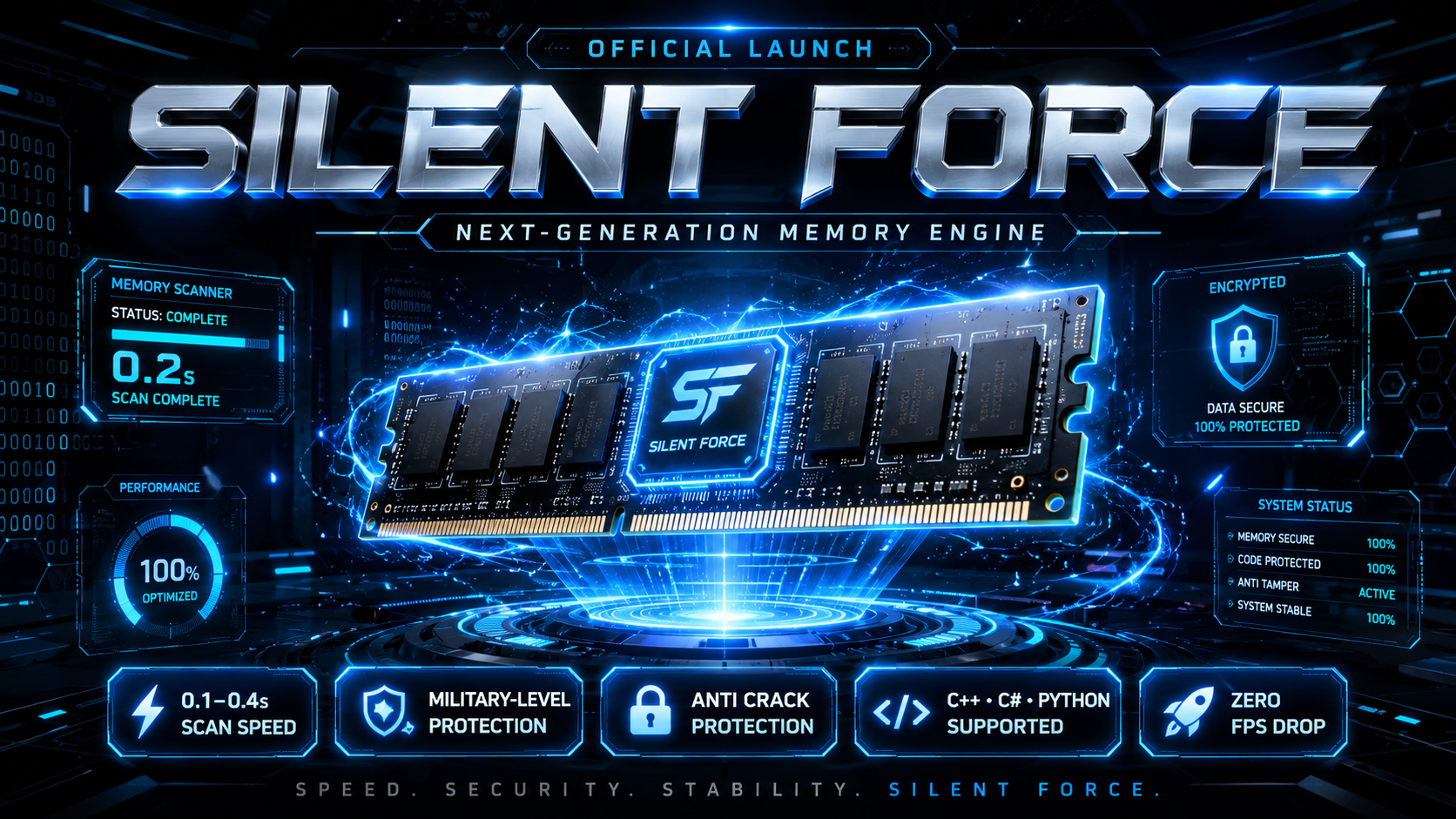
Silent Forge Memory
Choose your plan
In stock
Introducing Silent Forge (MEM), Hello Developers & Panel Sellers, Are you still using outdated, slow, and FPS-dropping memory solutions in your panel? It's time to upgrade to Silent Forge (MEM), our officially released premium memory solution, engineered for maximum speed, security, and stability. Watch the demo video to experience its performance in real time.
Sign in to purchaseDescription
Scan completes in as little as 0.1 to 0.4 seconds
Supports any long value
Zero FPS drop during scanning
Perfectly optimized for both low-end and high-end devices
Designed for commercial panel developers
Military-Level Protection & Maximum Panel Security
Silent Force is built with advanced protection technologies to protect your project against reverse engineering, unauthorized modifications, and cracking.Your panel's private code and memory are secured with multiple protection layers, providing maximum security against tampering and unauthorized access.
Multi-Language Support C++, C# & PY
Use it in your preferred development environment while maintaining the same high-performance experience.
Tutorial videos
Streamable Tutorial 1
Related products
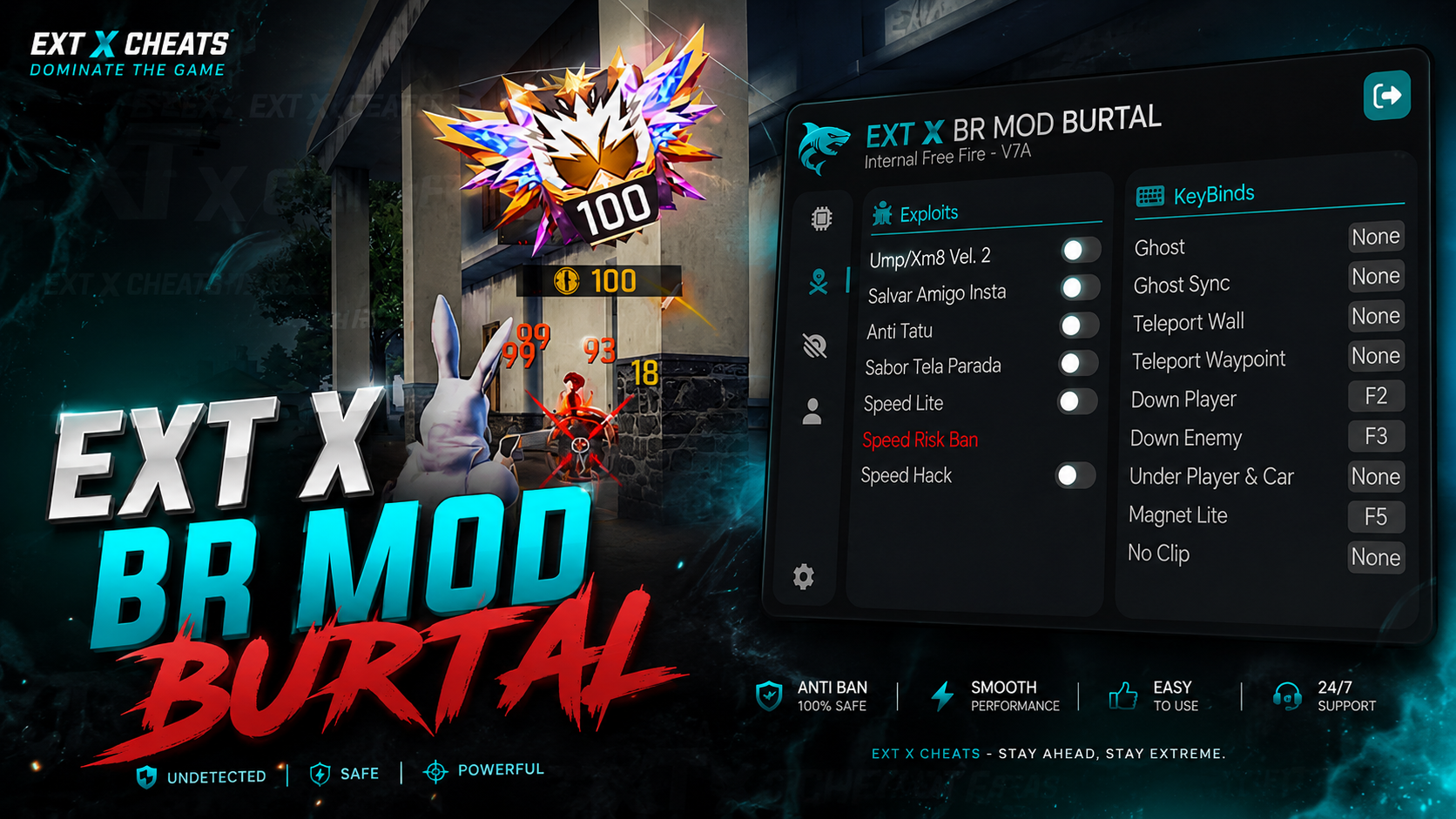
EXT X BR MODZ PC
🔥 EXT X BR MOD BURTAL | OFFICIAL VERSION EXT X BR MOD BURTAL is the official BR MOD panel from EXT X CHEATS, built for smooth performance, powerful features, and an easy-to-use experience. EXT X BR MODS — BRUTAL PANEL OFFICIAL VERSION IS LIVE! Built for powerful performance & smooth BR & CS Burtal gameplay on MAIN ID.
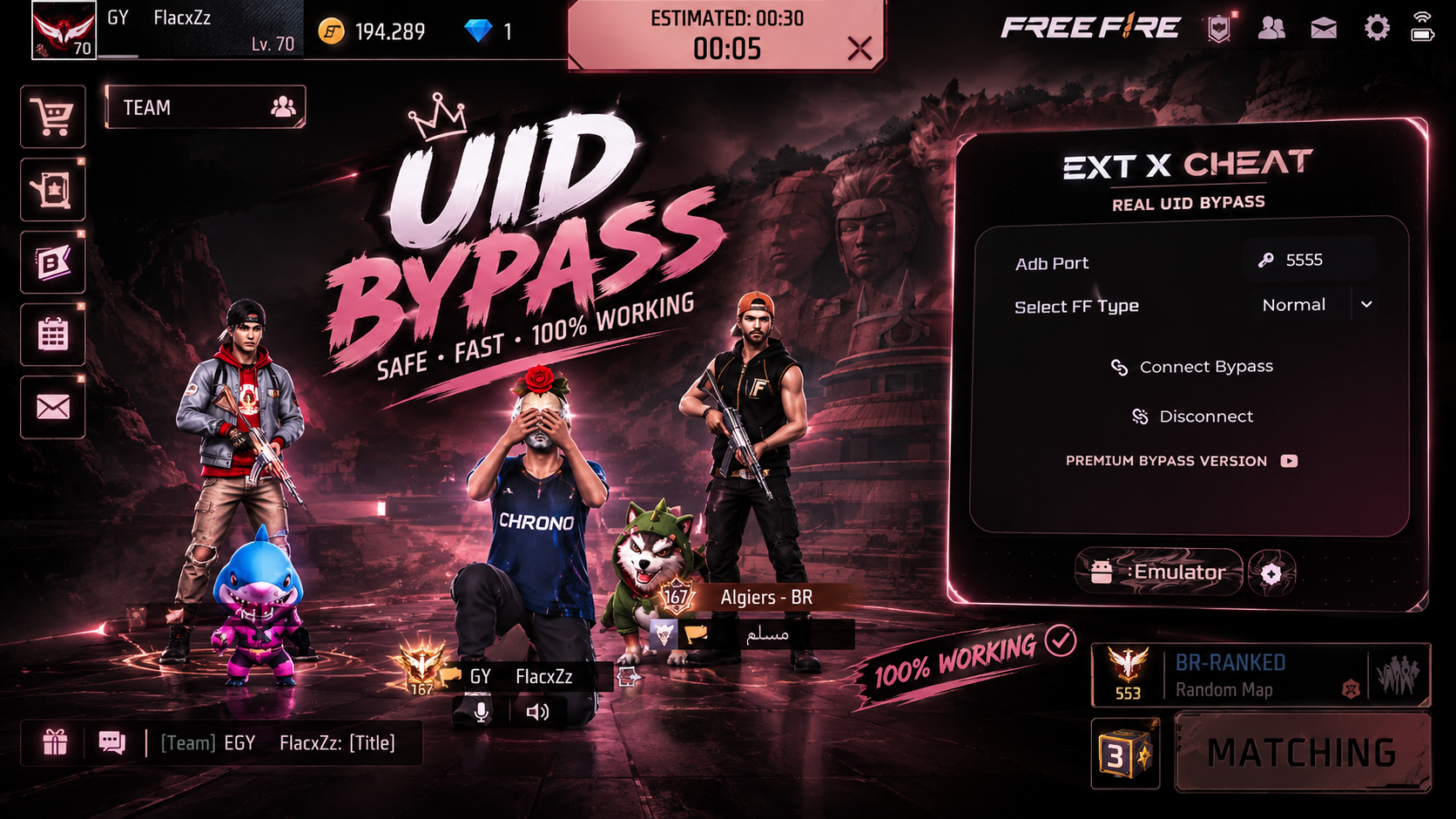
Real Bypass UID
We are proud to announce the launch of our UID Emulator Bypass, designed with advanced technology to ensure your PC gameplay appears as a mobile player
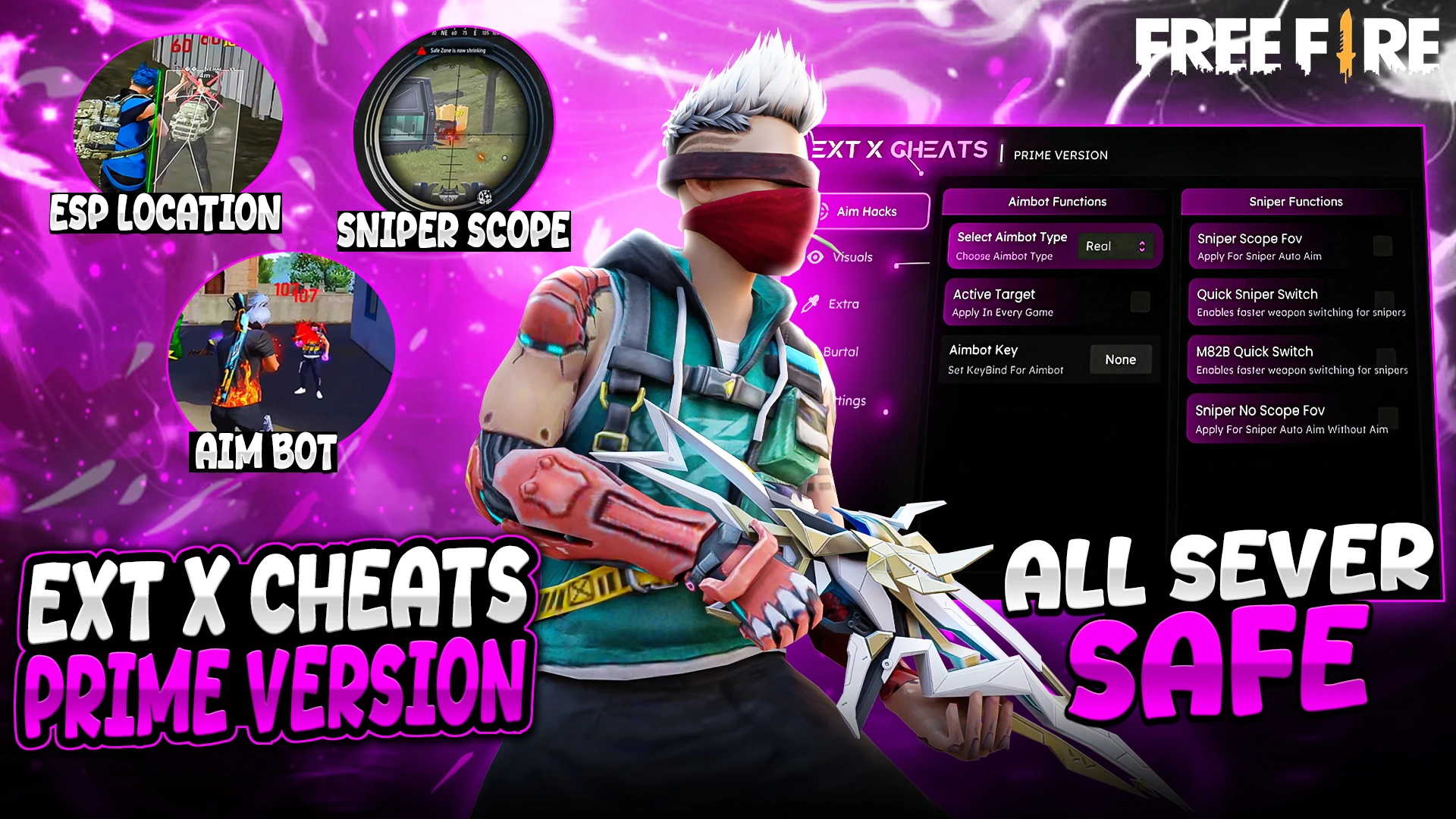
EXT PREMIUM MAX
* Fully Female Fixed ! * Real Aimbot Available * No Fake Damage * All Windows Defenders support this panel